ProcessLocker for Property ops

Operations checklist software for property management teams

Coordinate inspections, maintenance routines, move-in steps, vendor follow-up, and manager approvals across properties.

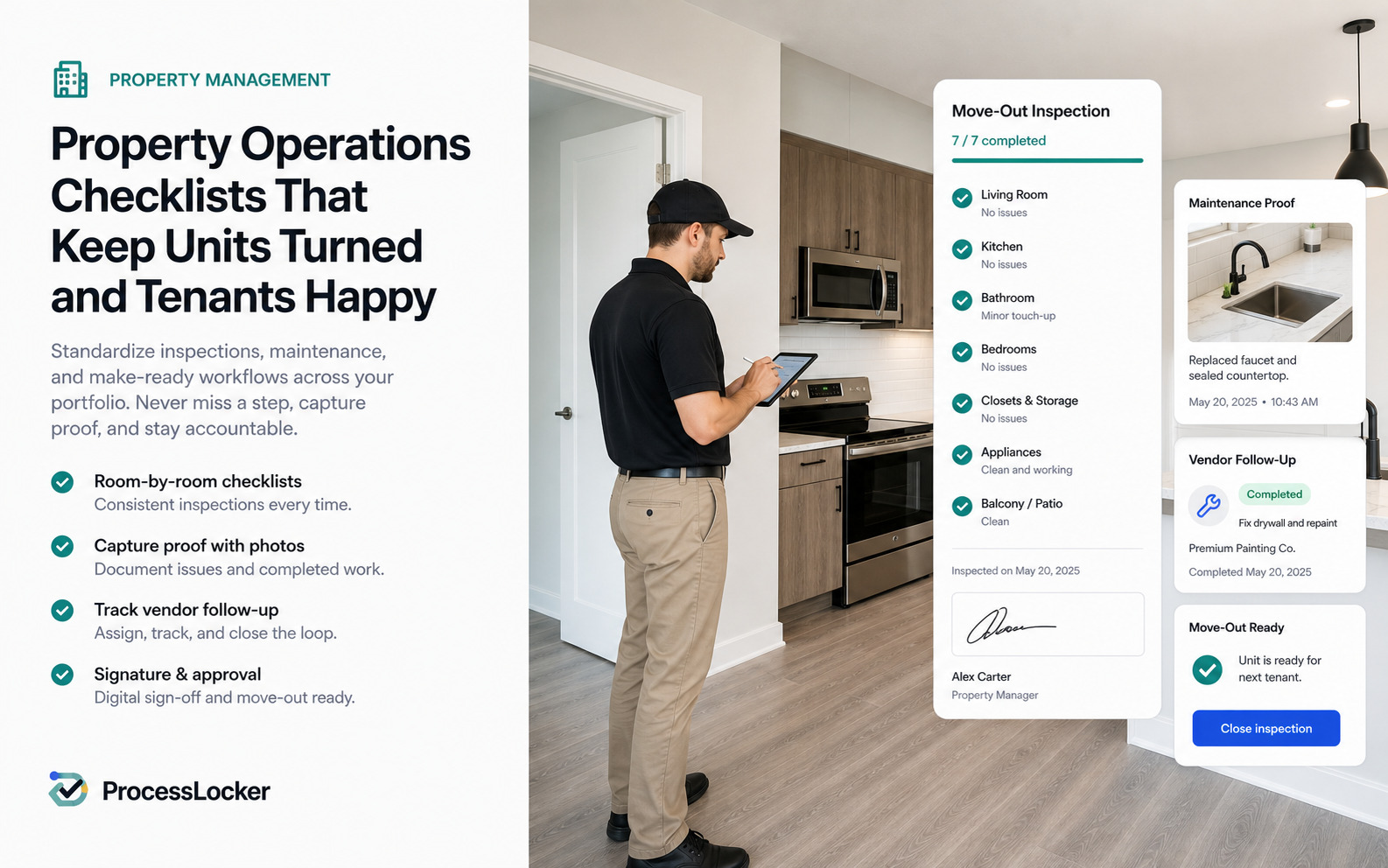
Property ops ProcessLocker workflow image

Property ops workflow

Your docs are useful. ProcessLocker makes them current and provable.

Property operations depend on repeatable work that is easy to miss. ProcessLocker turns inspections, turnovers, maintenance checks, vendor workflows, and monthly property reviews into checklist runs with owners and proof.

Use it for unit turns, preventative maintenance, lease-start procedures, incident follow-up, vendor onboarding, and recurring property audits.

Common pain

  • Move-ins, turns, inspections, and vendor work happen across too many threads.
  • Property managers need proof without more spreadsheet tracking.
  • Recurring maintenance tasks get buried.

Workflows to run

  • Unit turn checklist
  • Preventative maintenance run
  • Vendor onboarding and approval

Expected outcomes

  • Cleaner property handoffs
  • Visible recurring operations
  • Proof for inspections and vendors

Where the workflow breaks, and what ProcessLocker fixes.

Small teams do not need enterprise BPM. They need a clear place to keep the current process, run the work, and prove what happened.

Workflow need Scattered docs / chats ProcessLocker Business benefit
Unit turns Status is in a sheet while proof is in messages Turn checklist, photos, notes, and approvals stay together Move-in readiness is easier to confirm.
Vendor work Approvals and follow-up happen across email threads Vendor steps, proof, and manager review attach to the run Accountability survives the handoff.
Inspections Photos and exceptions are hard to connect to the process Inspection proof sits beside the current checklist Issues are easier to resolve and explain.
Maintenance cadence Preventative work gets buried behind urgent tickets Recurring runs keep routine work visible Small maintenance tasks stop disappearing.

Four simple moves from document to proof.

The process locker is not another place to store stale files. It turns the approved procedure into assigned work with evidence and review history for safety checks, equipment handoffs, maintenance closeouts, install QA, and callback prevention.

01

Lock the turn process

Publish the approved property workflow.

Output
Current turn checklist
Proof
Owner and version
02

Assign the inspection

Start the run for the property or unit.

Output
Due work by owner
Proof
Assignee and due date
03

Collect vendor proof

Attach photos, notes, approvals, and exceptions.

Output
Complete handoff record
Proof
Evidence trail
04

Review before move-in

Confirm readiness and update the process.

Output
Cleaner transition
Proof
Manager review

A property handoff record people can actually trust

Current SOP Assigned run Evidence collected Review history
1

Cleaner handoffs

The next owner sees the SOP, checklist status, and missing proof in one place.

2

Vendor accountability

Approvals, photos, and completion notes stay with the work they support.

3

Recurring maintenance

Preventative checks become scheduled runs instead of buried reminders.

Try the workflow

Start with one recurring process this week.

Publish the SOP, assign the run, collect proof, and see what changed.

Start free, no card