Common pain
- Training links get sent but not confirmed.
- Managers cannot see where a new hire is blocked.
- Policy acknowledgement is not tied to the current version.
 ProcessLocker
ProcessLocker for Onboarding
Turn new-hire training into assigned SOPs, quizzes, signoffs, and completion proof instead of loose links and reminders.
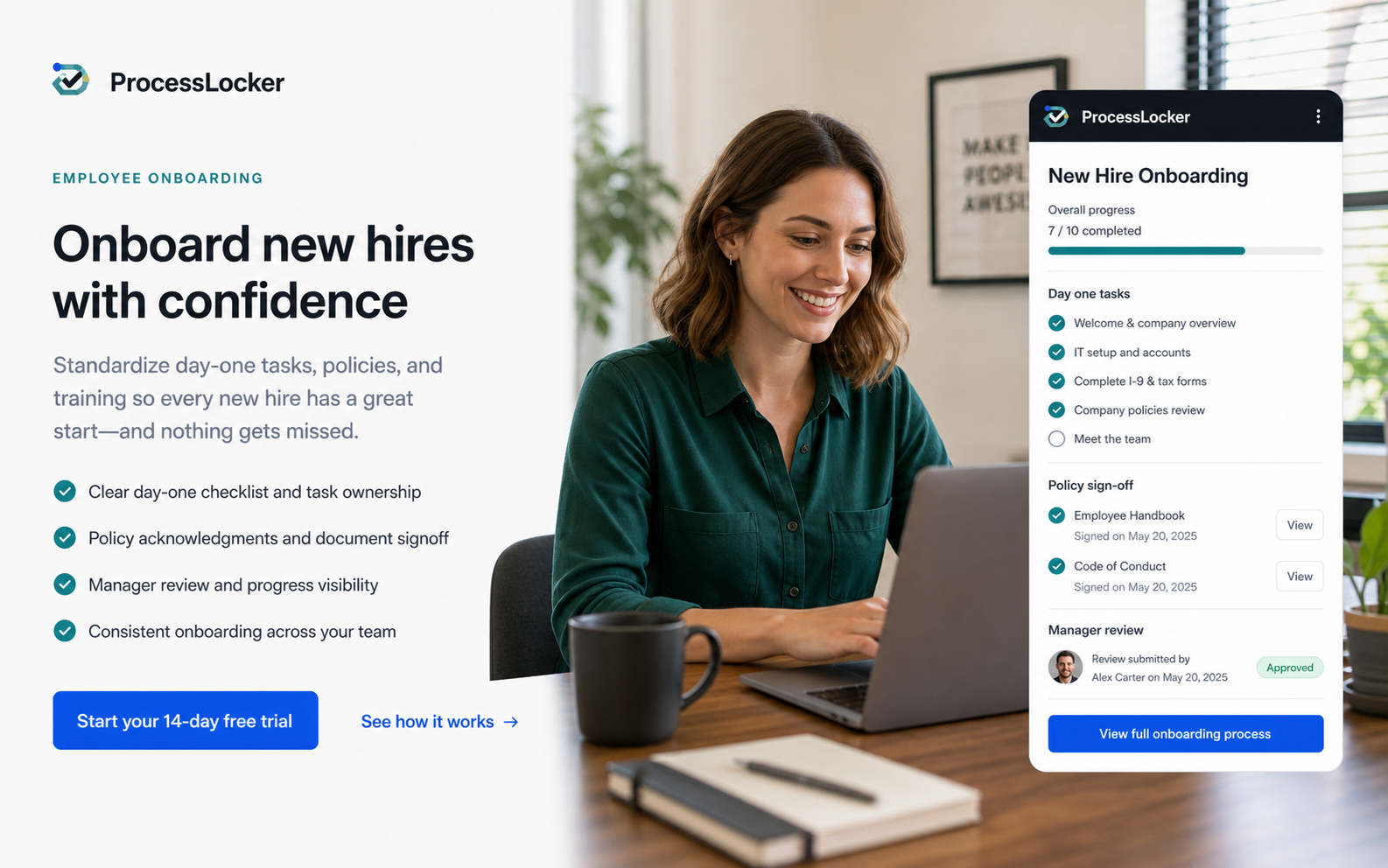
Onboarding workflow
Hiring gets harder when onboarding steps are scattered across docs, chats, and memory. ProcessLocker gives managers a repeatable onboarding run with ownership, due dates, training material, and signoff history.
Use it for day-one setup, role-specific training, policy acknowledgement, manager review, and the handoff from training into live work.
Small teams do not need enterprise BPM. They need a clear place to keep the current process, run the work, and prove what happened.
The process locker is not another place to store stale files. It turns the approved procedure into assigned work with evidence and review history for safety checks, equipment handoffs, maintenance closeouts, install QA, and callback prevention.
Lock the role checklist and required policies.
Start a run for the employee and manager.
Capture training acknowledgement and manager notes.
Confirm blockers and update the template.
Every new hire receives the same required setup, training, and review steps.
Signoffs stay attached to the policy version the employee reviewed.
Blockers and missing steps are visible before the first week slips.
Try the workflow
Publish the SOP, assign the run, collect proof, and see what changed.